
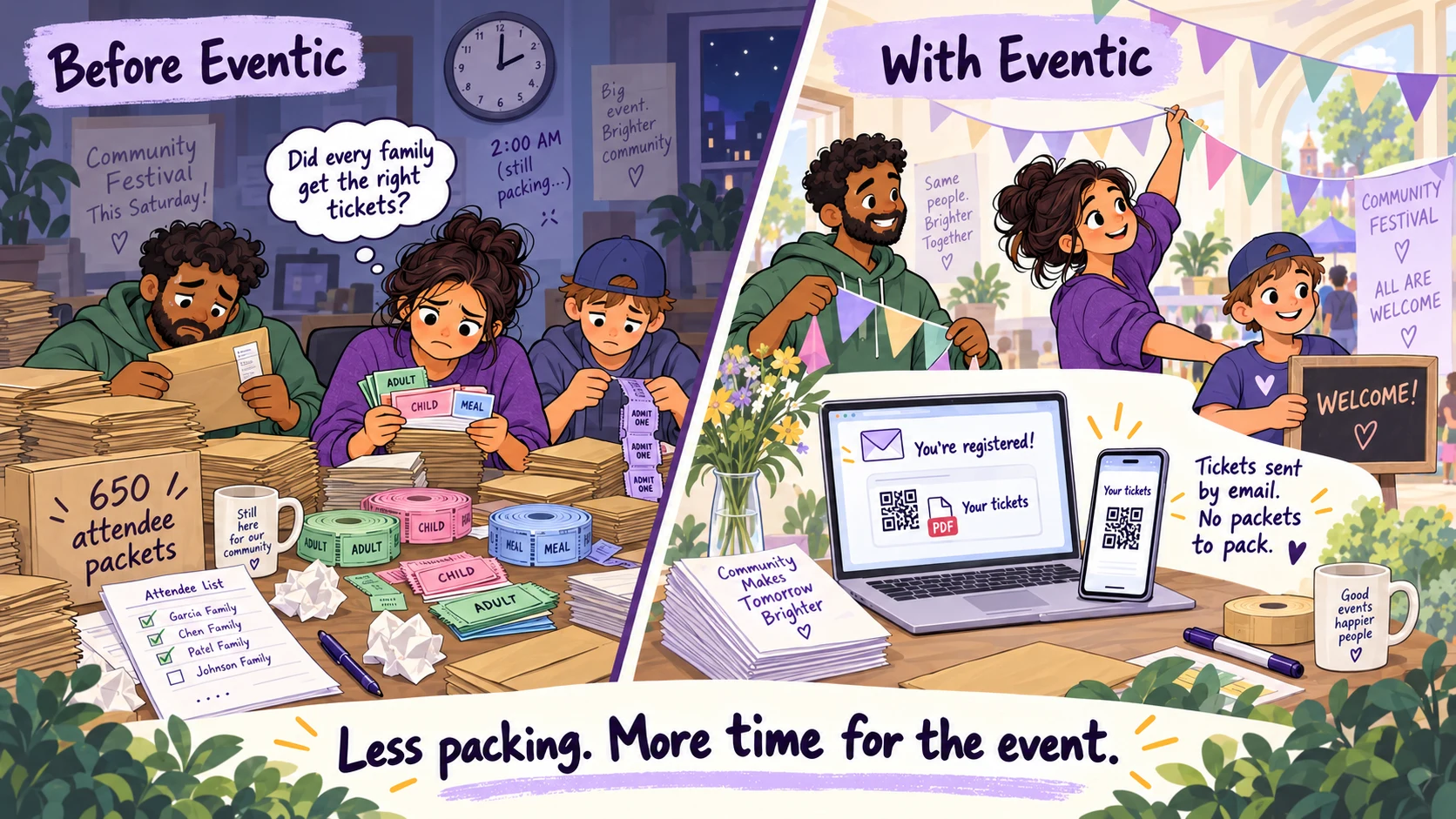
Give your volunteers the night before the event back.
Packing hundreds of entry and meal tickets takes hours of sorting, counting, and checking. Eventic sends QR tickets and a PDF by email after registration, so volunteers can spend that time preparing the event instead.
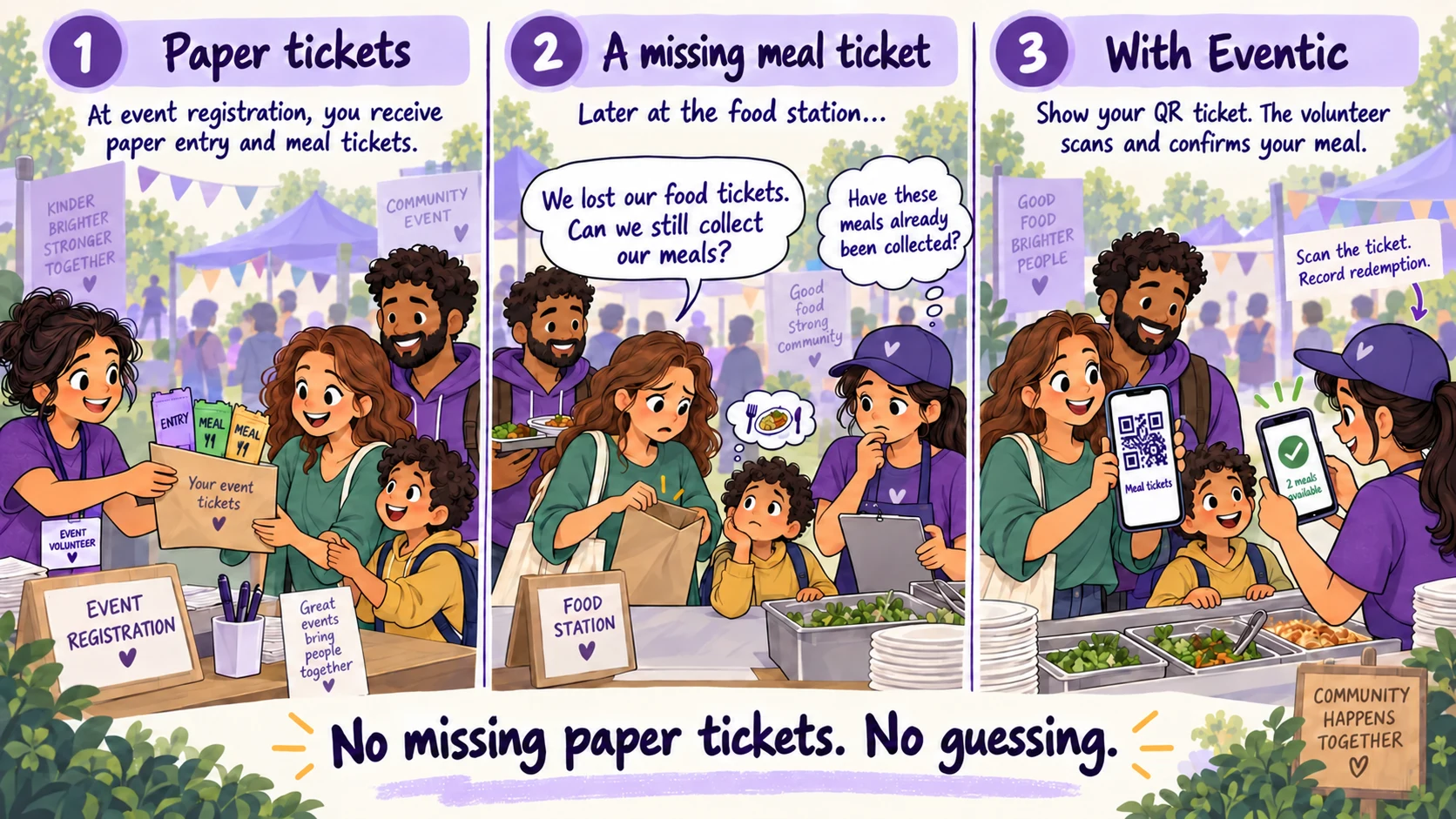
No missing paper tickets. No guessing at the food counter.
A lost meal coupon leaves families asking for help and volunteers unsure what has already been collected. With digital tickets, attendees retrieve their QR code and volunteers check availability before recording redemption.
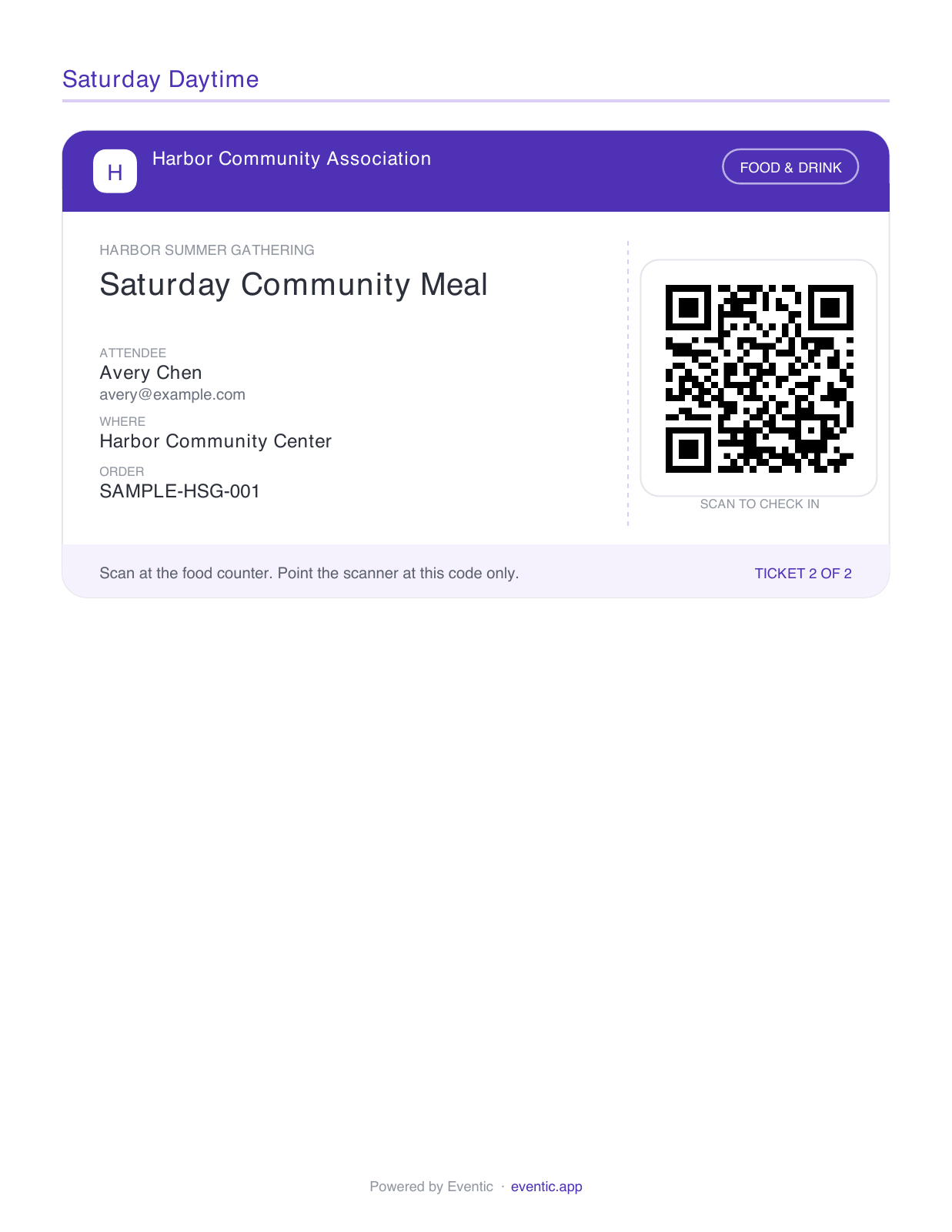
Your tickets are already with you.
The confirmation email includes PDF QR tickets for entry and meals. Save the PDF and show the relevant ticket at each station—no Eventic sign-in required at the event.
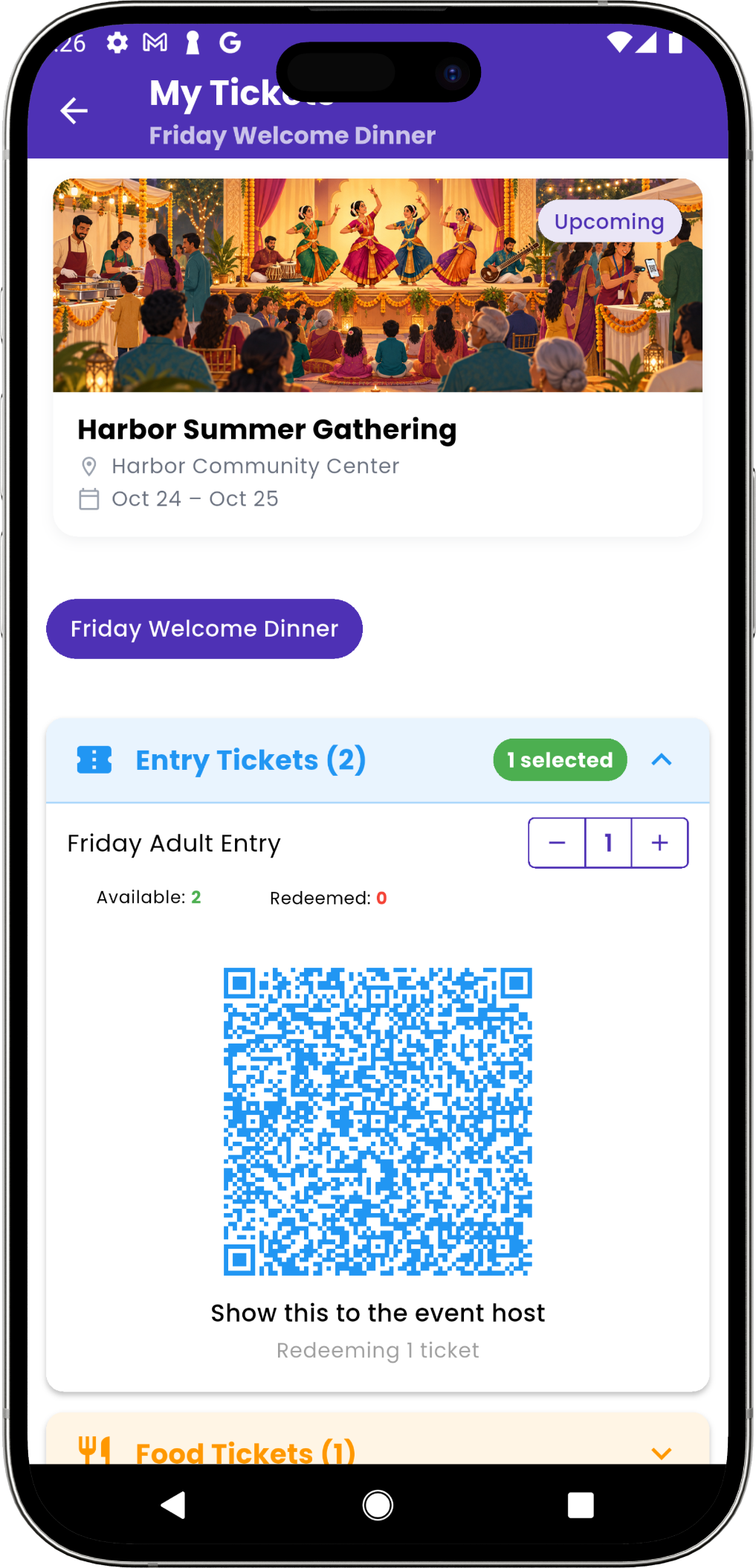
Choose what to use. Show your QR code.
Attendees open their tickets in the Eventic app or website, select how many to use, and show a QR code. They can see what is used and what remains for later.
Entry at the entrance. Meals at the food station.
Show your entry-ticket QR code when you arrive, then your meal-ticket QR code when collecting food. Volunteers scan the tickets for that station and record how many were used.
Find the event
Open My Tickets and select the event and the relevant day or segment.
Select a quantity
Choose how many available entry tickets, meals, or items to use now.
Show the QR code
Present the generated code to the volunteer at entry or collection.
Keep track of what remains
After redemption, the used quantity is recorded so the attendee can see what is left.
The volunteer checks the ticket before admitting or serving.
A valid scan lets the volunteer complete entry or item redemption. An already-used or unavailable result prompts a check before the same ticket is used again.
- The attendee sees the event, location, and purchased ticket types.
- Entry and food can be used separately.
- The volunteer gets a check-in or redemption result.
- The admin follows arrivals and item use in Event Stats.
See digital tickets in action.
Book a demo to see how attendees access their tickets and volunteers scan them for entry and meal collection.