
Less waiting. More welcoming.
Volunteers scan digital tickets to welcome guests and serve meals. Organizers see live check-in and meal collection numbers as the event happens.


Give each volunteer a task they can do at the door.
Use Eventic’s advanced user permissions to give volunteers only the check-in access they need, while keeping sensitive organization information restricted.
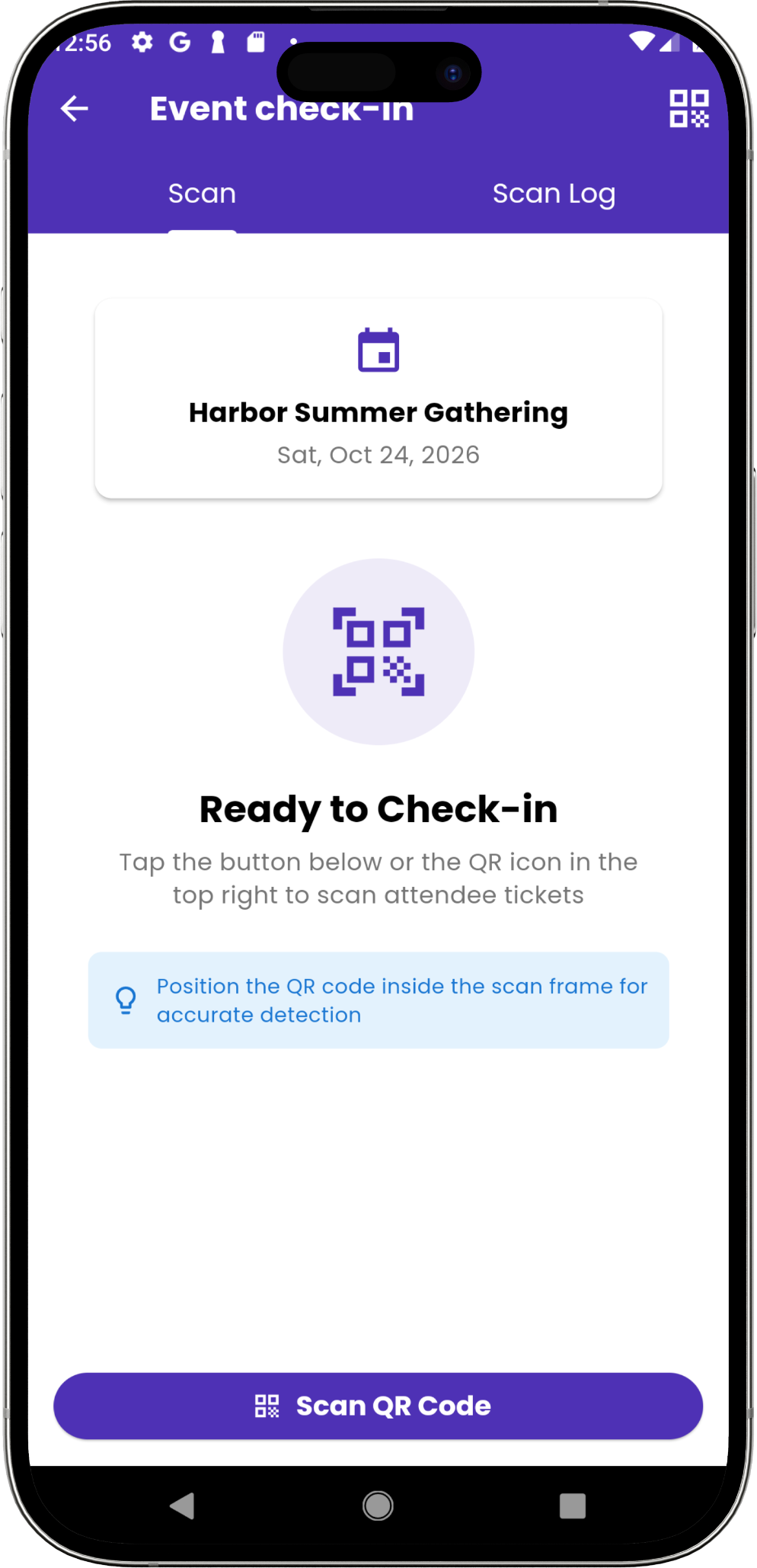
Open the right event
The volunteer selects the event they are helping with and opens the scanner.
Scan the attendee’s QR
The attendee selects the tickets or items they want to use and presents the code.
Check the result
Confirm valid entry or item use. An already-used or invalid result tells the volunteer to pause and help.
Review activity
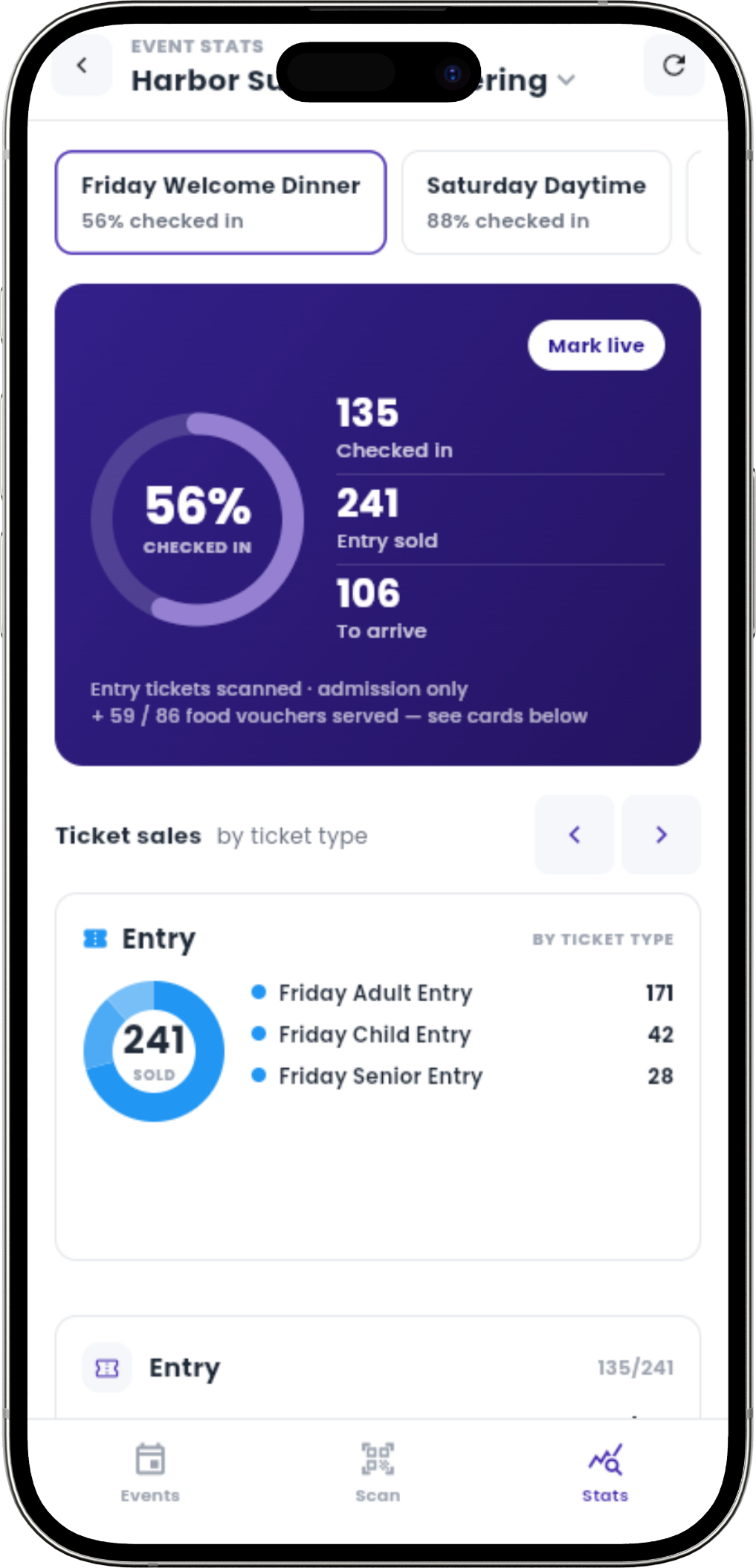
The scan log records activity, and the admin checks progress in Event Stats.
Meal tickets on their phones. Live meal stats for your team.
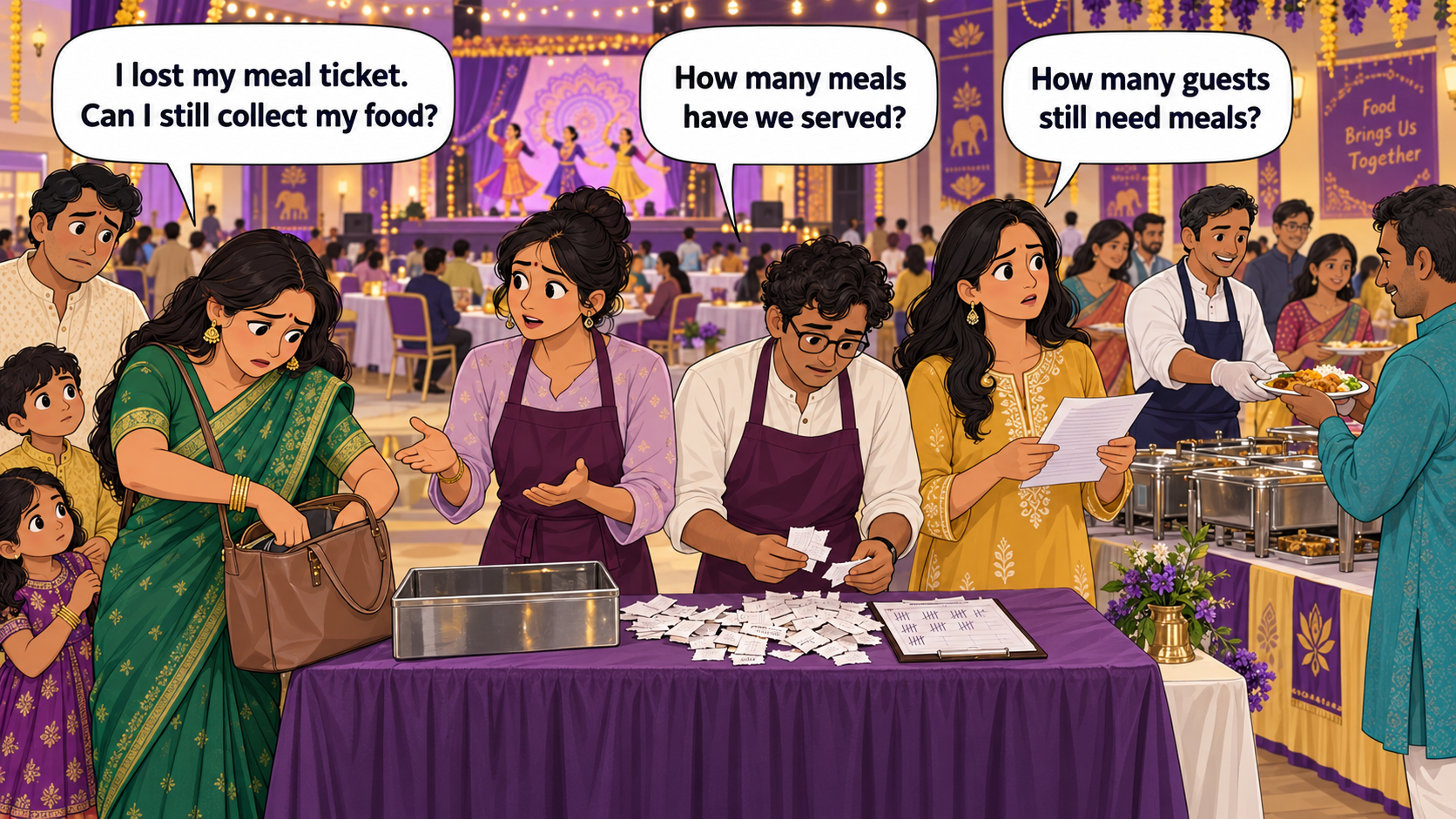
Guests show digital meal tickets; volunteers scan and serve. Organizers see live stats for meals served and still expected.
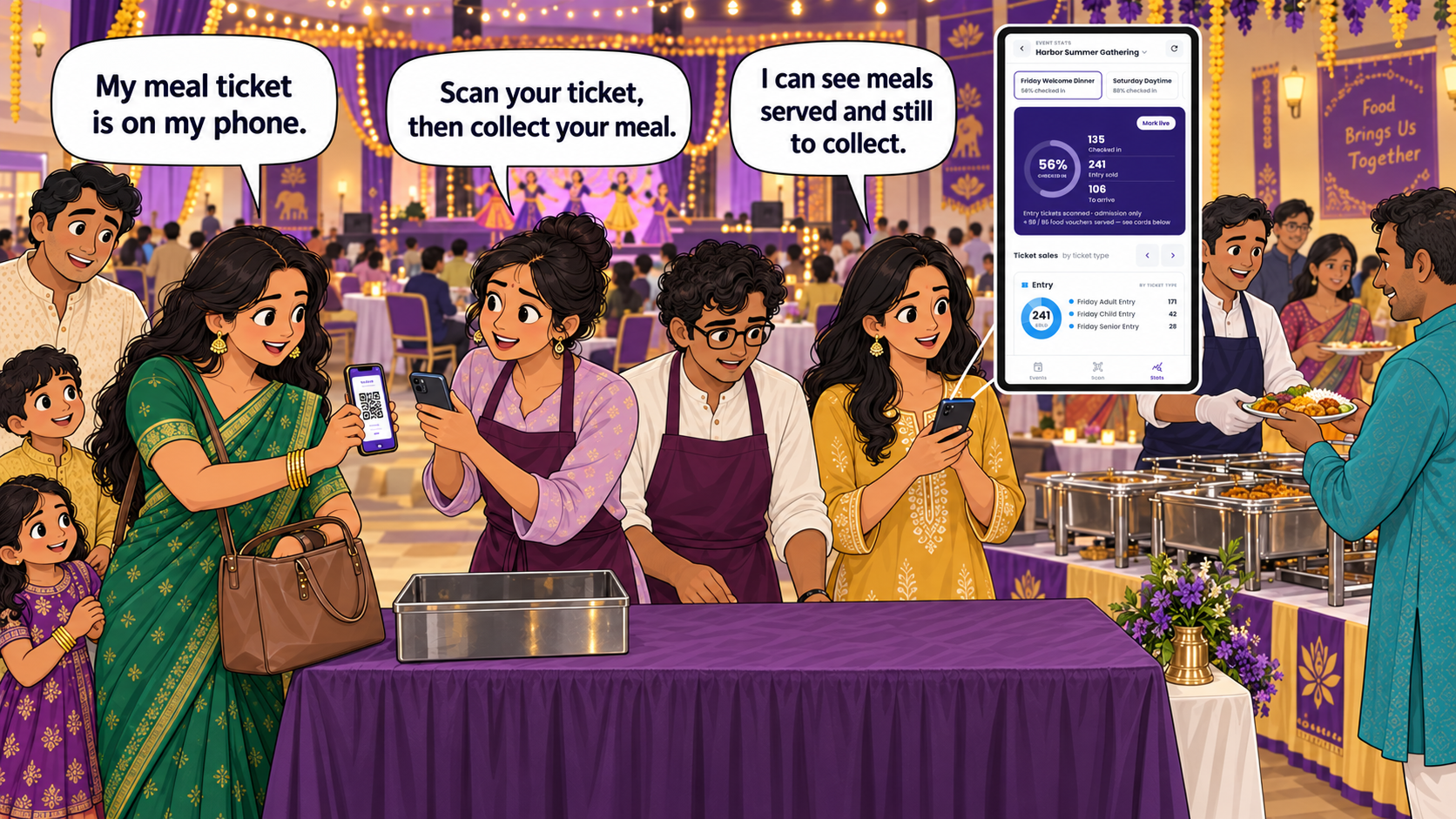
Use the scans to decide what the team should do next.
Follow arrivals and meals served by event day or session, on web or mobile. See who is still expected and what remains to serve, so the team can prepare the next batch before the queue grows.
Prepare the door, kitchen, and admin team together.
Bring your entry rules and item collection process. We’ll walk through volunteer scans and the numbers your organizer needs.