
Share committee work through individual access.
Give people the permissions they need for memberships, events, check-in, or finances.
Everyone uses the president’s login to get work done.
The entry volunteer, organizer, and treasurer need different tools. A shared account makes it difficult to manage those responsibilities when the committee changes.
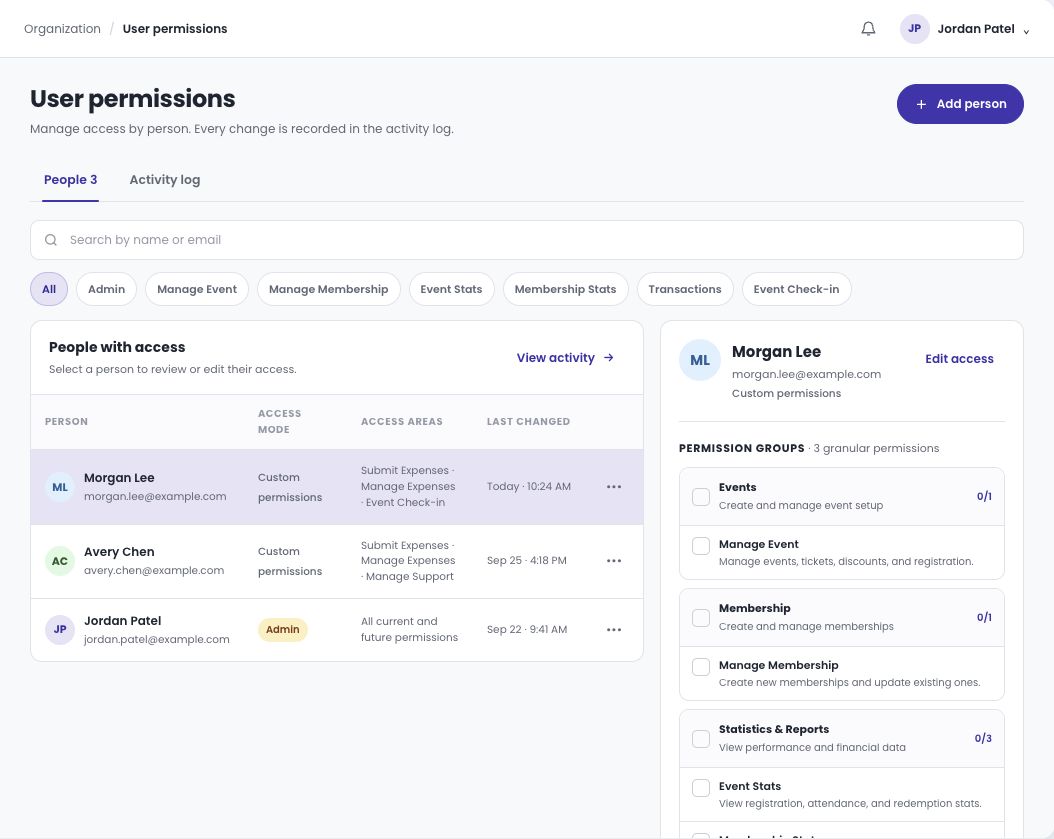
Assign access by person and work area.
Add the team member and select the relevant access areas. A volunteer may need check-in access, while an organizer manages the event and a treasurer reviews transactions or expenses. Review permissions when committee responsibilities change.
- Add people with their own access.
- Choose permissions by the work they perform.
- Give volunteers the required check-in access.
- Review and update access during committee handover.
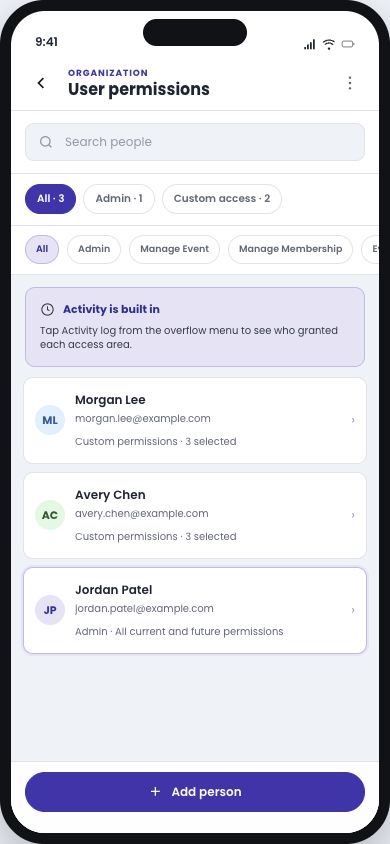
Review your team’s access from your phone.
Find each person, review their permissions, and check the activity log when responsibilities change.
Let’s walk through your organization’s next event.
Bring your membership rules, registration choices, and the questions your team needs answered.