
Help people register without calling the committee.
Separate forms and payment instructions leave attendees wondering what to book. Give them the event details first, then a wizard for the tickets, meals, and packages your team offers.
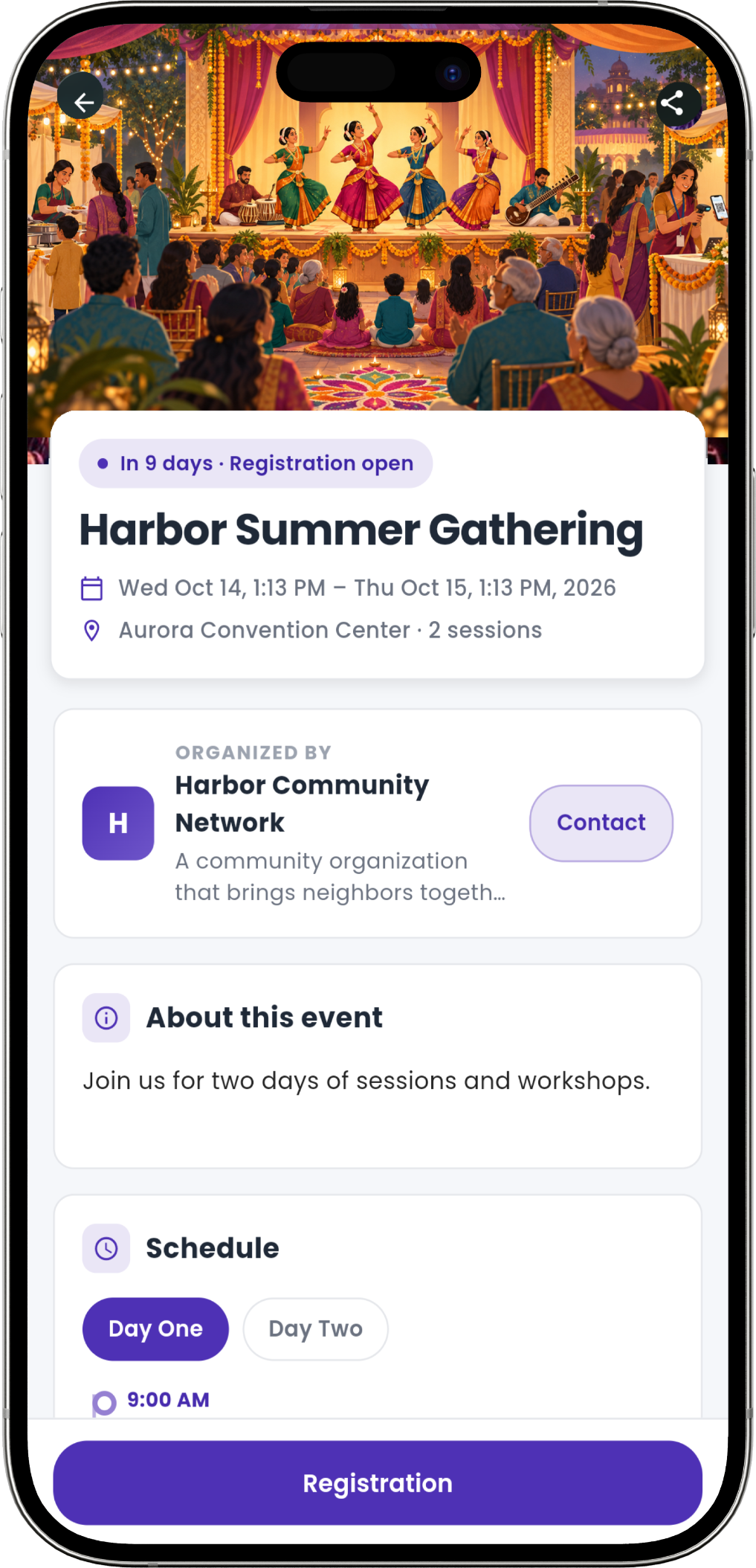
Turn your event setup into choices people can follow.
Admins configure the event in the web builder. Attendees use this separate flow on web or mobile, with the choices available for that event.
Read the event page
Check dates, location, and the schedule for each day before starting registration.
Choose tickets and meals
Select entry, food, products, or a package for the parts of the event they want to attend.
Review the order
Check attendee details, quantities, and prices, and return to a section to change a choice.
Receive their tickets
Complete checkout, then receive the confirmation email and PDF QR tickets. Tickets also remain available in My Tickets.
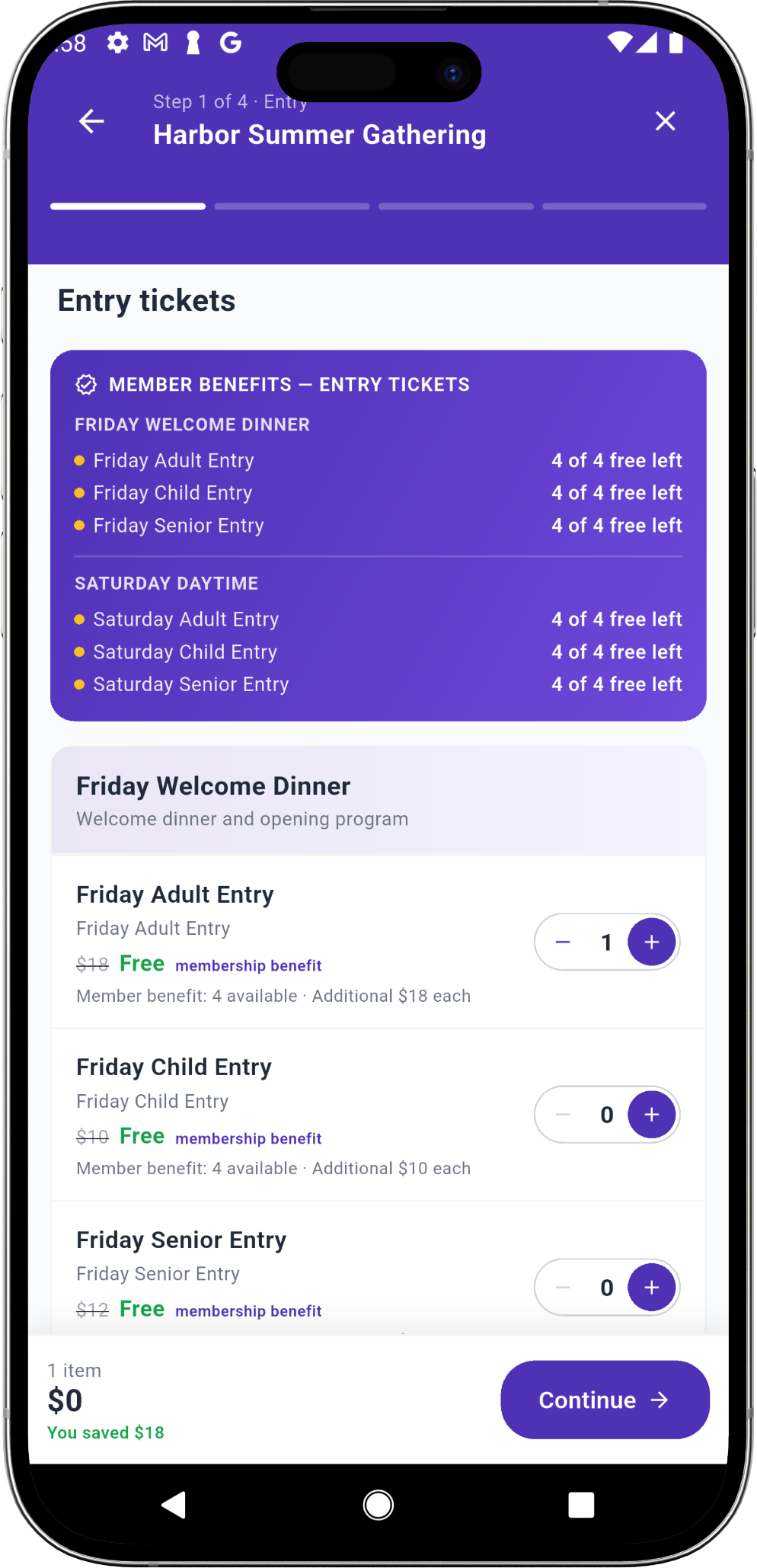
Show members what they save before they pay.
Registration applies eligible member benefits and shows remaining allowances and savings. Guests and quantities beyond the benefit use regular prices, with membership joining available where offered during checkout.
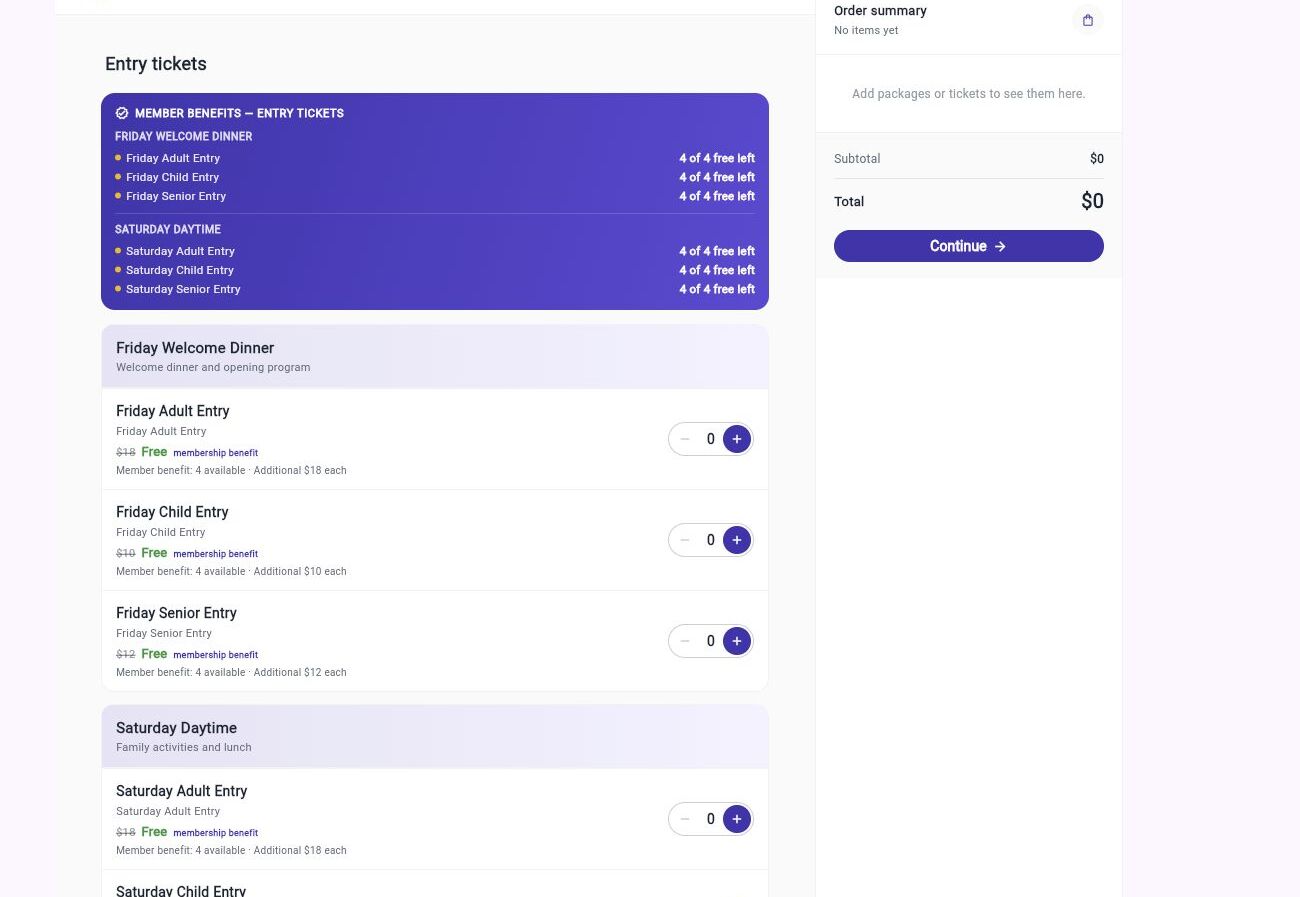
The same wizard works at a computer.
Attendees can review ticket groups and the order summary on web when they are booking several days or buying for a household.
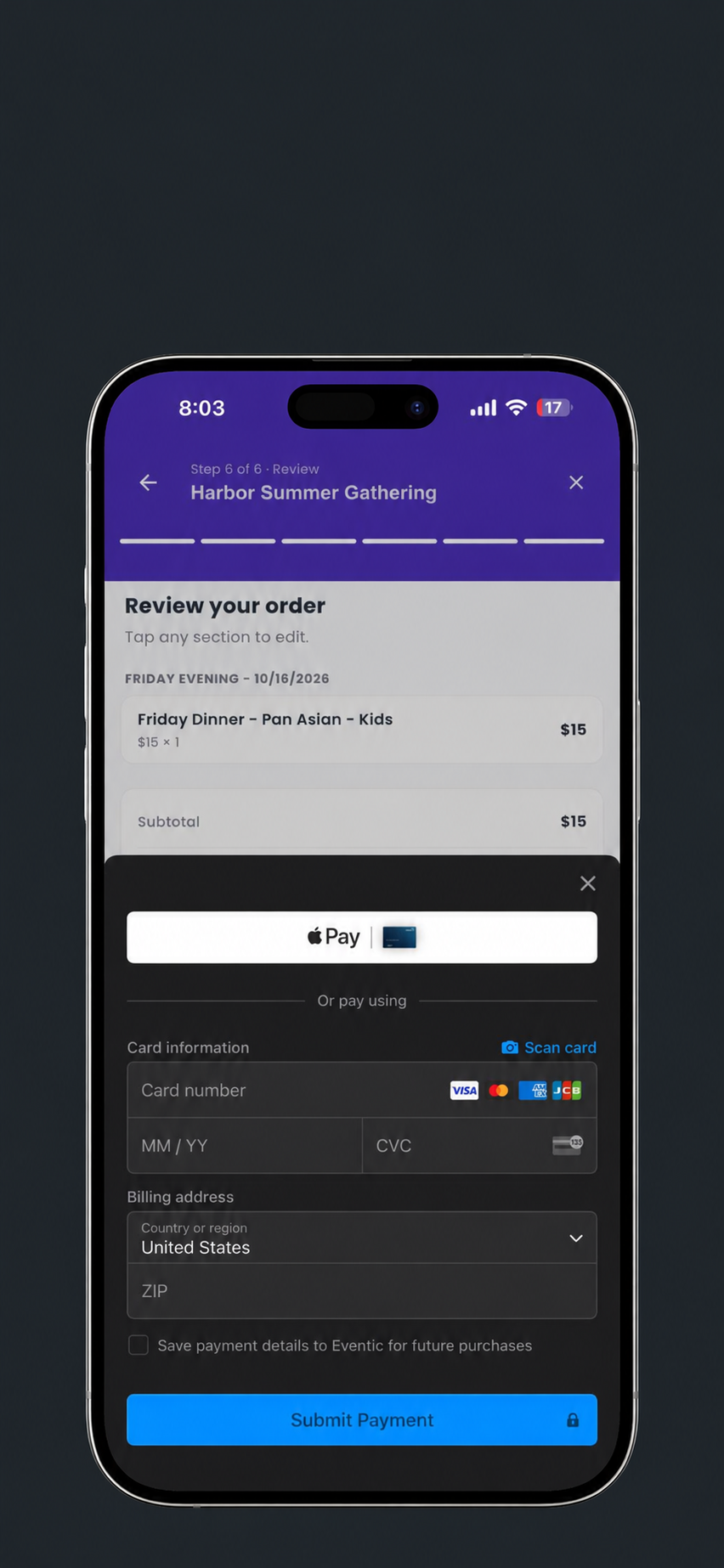
A checkout your community will love.
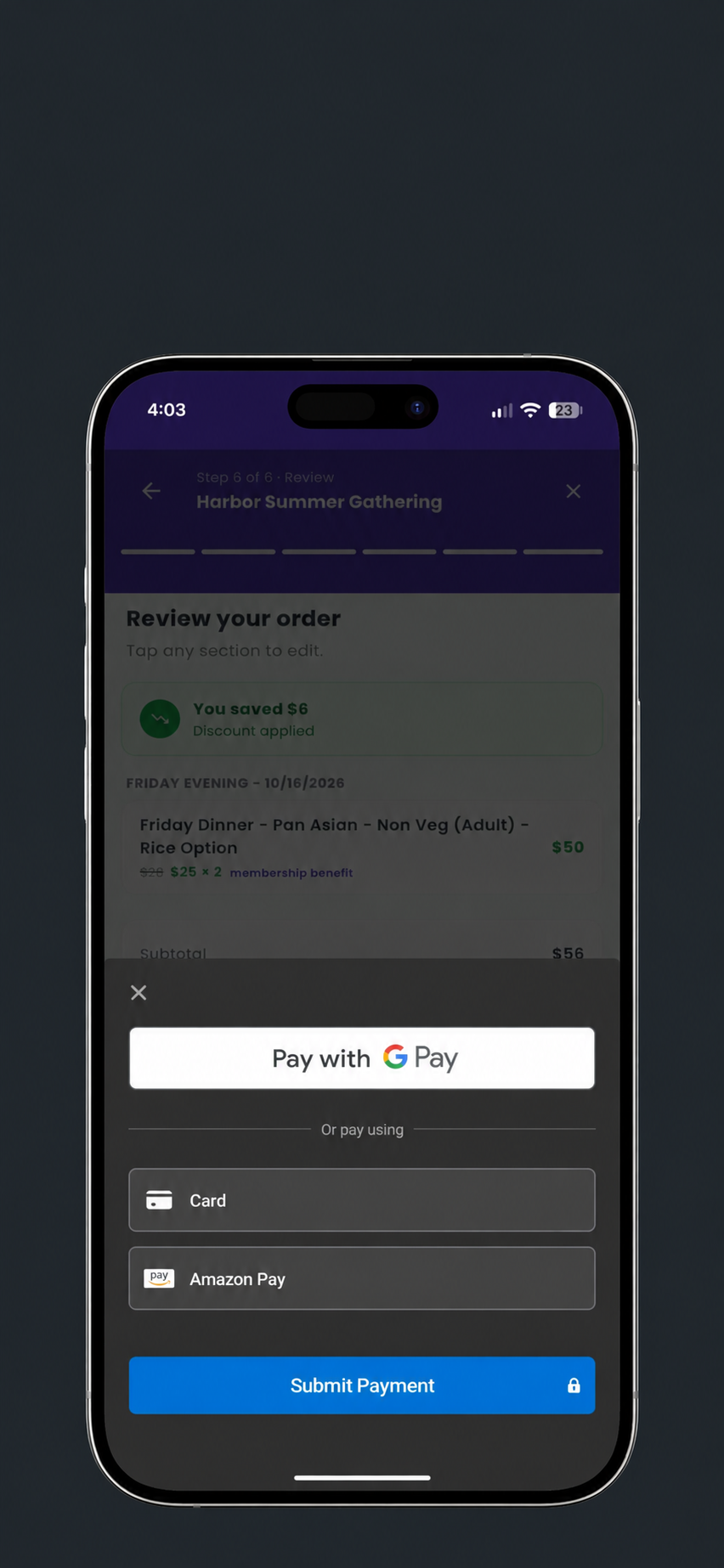
Pay by card through Stripe, or Apple Pay and Google Pay where supported by the device and checkout. After payment, tickets are ready in Eventic for entry and food service.
Tickets in their inbox. Ready for the door.
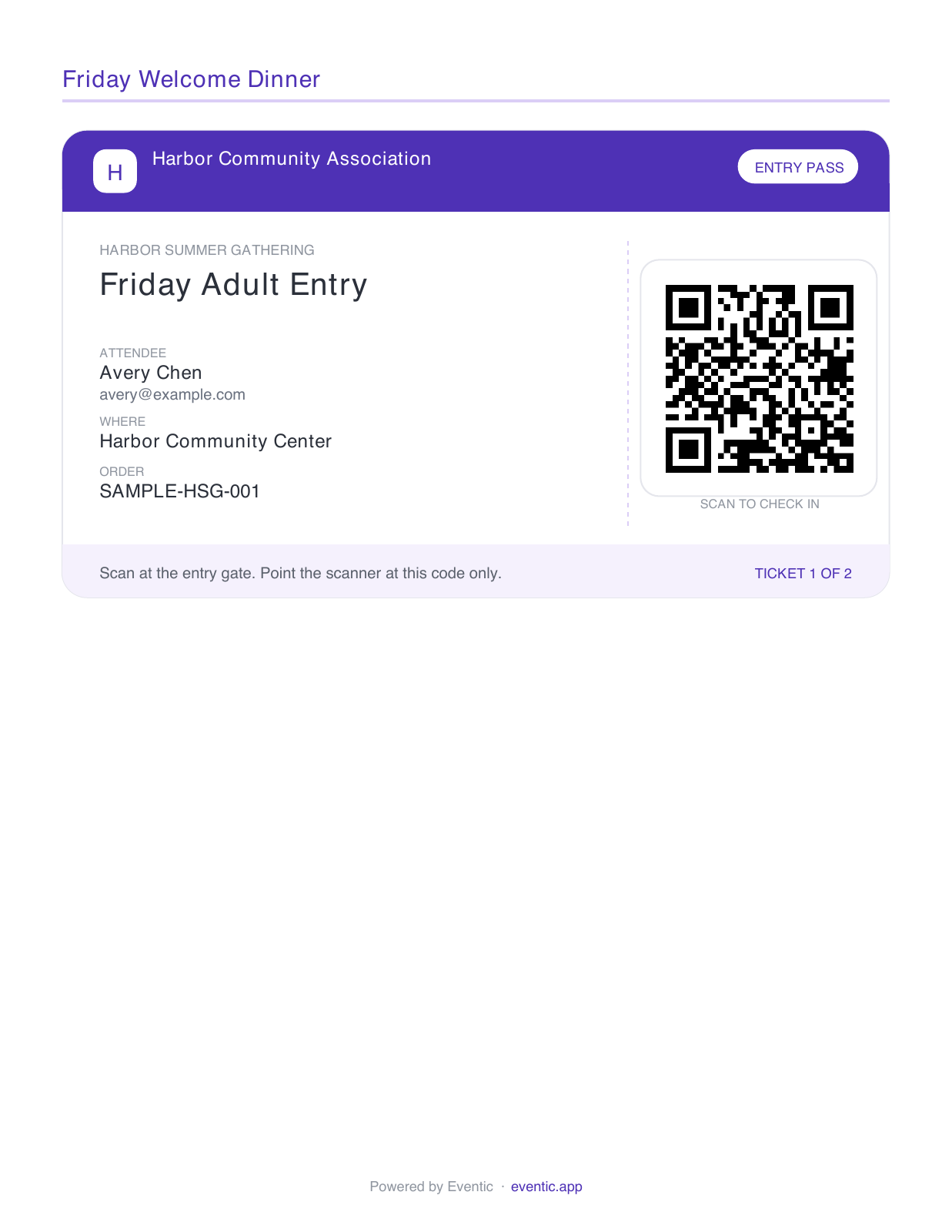
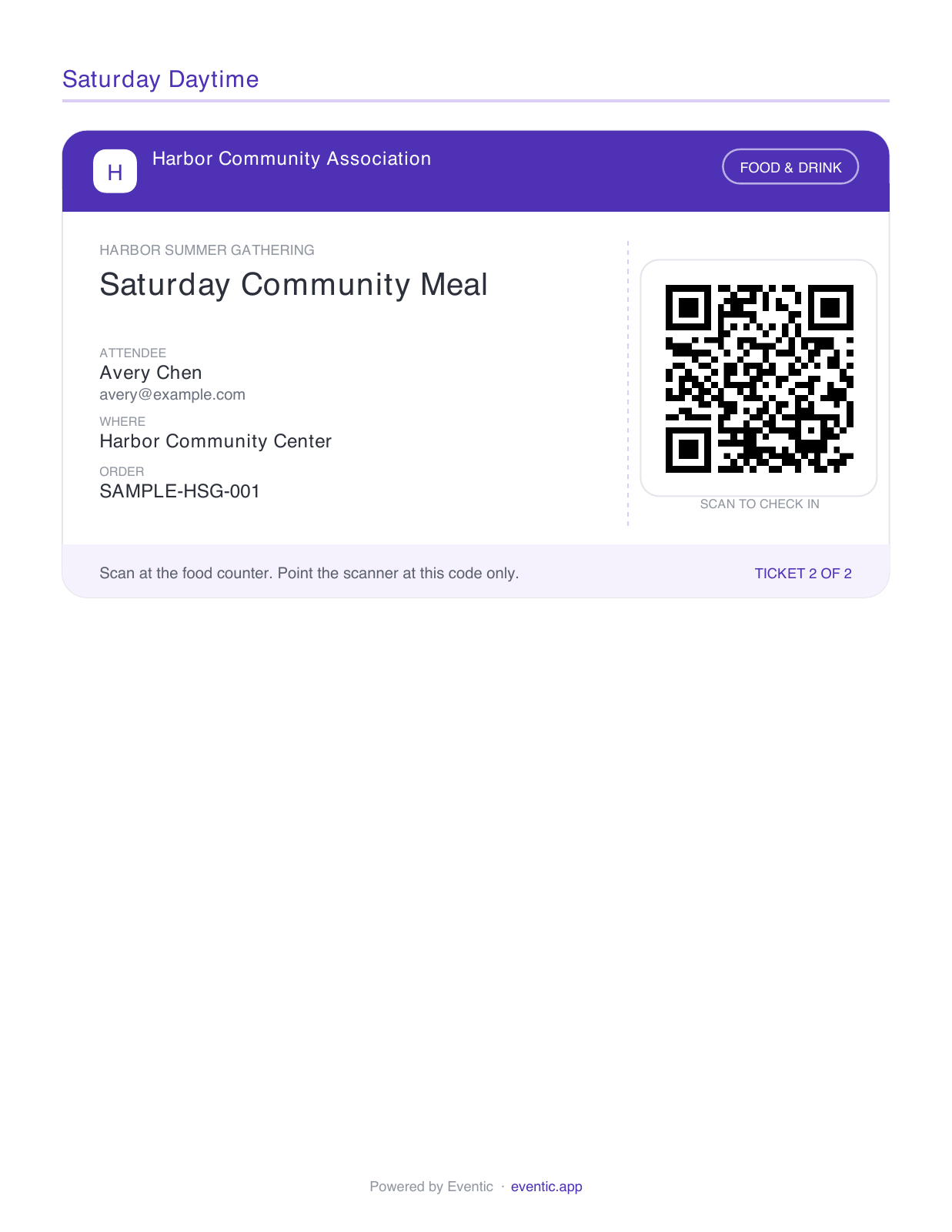
The registration email includes their receipt and PDF QR tickets. Save the PDF and show the right ticket at entry or the food counter—no Eventic sign-in needed at the event.
Walk through registration as one of your attendees.
Bring your ticket types, meal choices, and membership rules. We’ll help your committee create a registration experience your community will love.